 Allmount
What Allmount does, and what it doesn't yet
One app for macOS 26 and iOS 26 that puts your S3-compatible buckets in Finder and the Files app. Here is all of it, grouped by what you are trying to do.
On your Mac Pro plan
A drive in Finder that takes no disk space
Your bucket mounts in the Finder sidebar next to Macintosh HD. Every file is listed, and nothing downloads until you open it.
- Video streams
- Players read by byte range, so a 4 GB movie starts in seconds without downloading first.
- Edits sync back
- Create, rename, move, edit and delete in Finder. The bucket follows.
- Outside changes appear
- Uploads from the console or another device show up within about 90 seconds while the app runs.
- You choose what stays
- Remove Download frees one file. Clear downloads frees them all. Both leave the bucket untouched.
Drop on the menu bar, paste the link
Drag a file onto the Allmount icon in the menu bar. It uploads to your current connection, and when it lands you can copy a link that expires after 1 hour, 1 day or 7 days.
On your iPhone Free
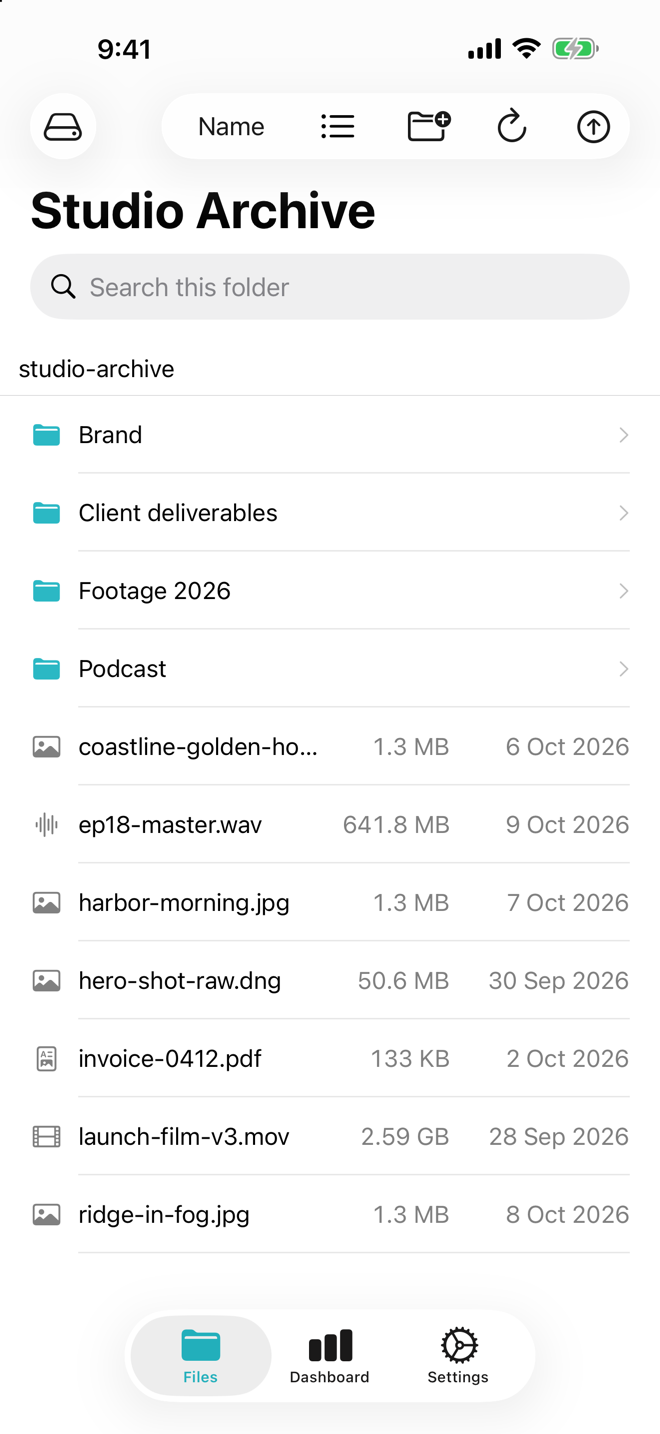
Your buckets, inside the Files app
Allmount adds a location to Files, so any app that opens files can open yours, and any Files picker can save into a bucket. A file downloads in full when you open it.
In the app itself
- List or icon view
- Search the current folder and everything under it
- Sort by name, size, date or kind
- Quick Look before you open
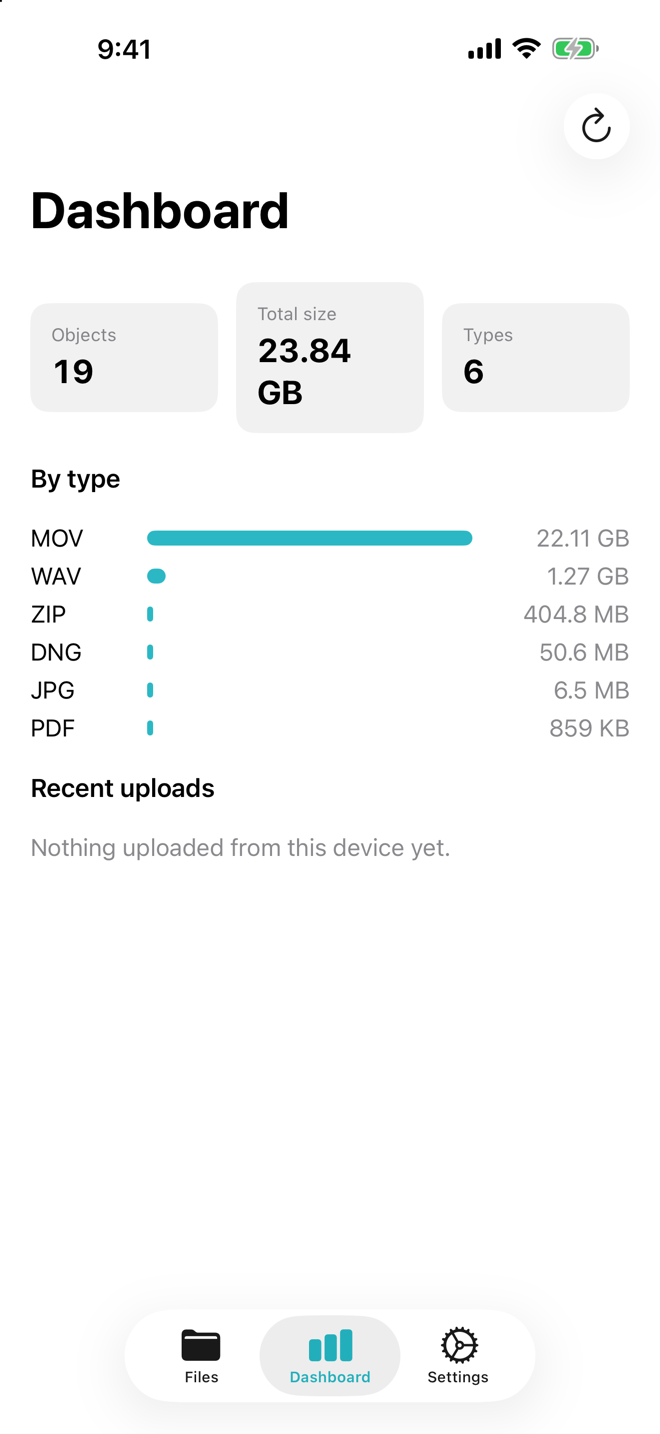
- Dashboard with object count, total size, a type breakdown and your last 20 uploads
Moving files
Uploads run in a queue with progress for each file. They are built for big files and patchy Wi-Fi.
- 64 MBFiles above this size go up in parts. If the upload stops, retry and it resumes from the last finished part.
- Per fileEvery item in the queue has its own progress and its own cancel button.
- 1 h, 1 d, 7 dShare links stop working after the time you pick.Pro
Your buckets
Bring keys from any of these. Each link opens a setup guide with the exact fields to paste.
Many connections
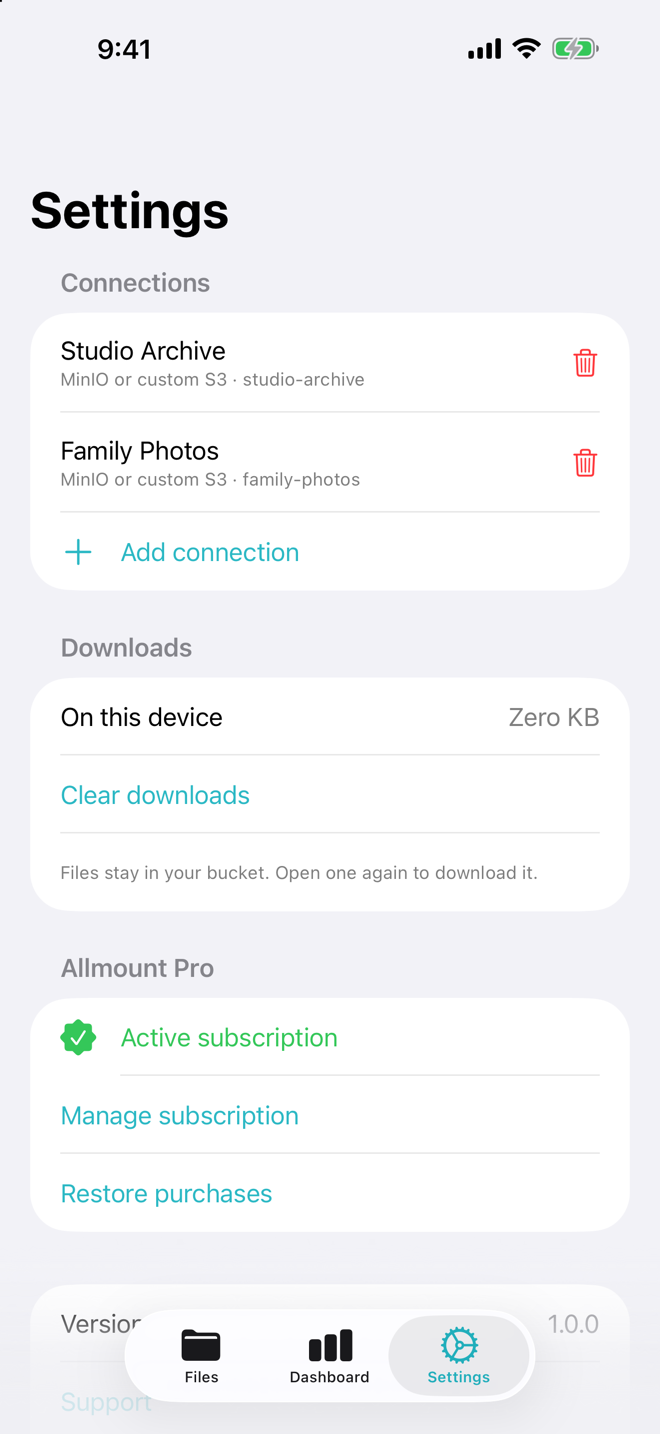
Keep R2 for delivery, B2 for archive and MinIO at home, each with its own keys. Switch between them from the app. Free includes one, Pro removes the limit.
R2 jurisdictions
Buckets in Cloudflare's EU or FedRAMP jurisdiction connect to the right endpoint. Pick it when you add the connection.
MinIO on a NAS
Point a custom endpoint at your NAS address and port. Plain http is allowed only on your local network.
Privacy
Keys live in the Keychain on your device, stored device-only. There is no Allmount account, no Allmount server and no analytics. Files go straight between your device and your bucket.
Known limits
Worth knowing before you move a big library in.
- iPhone downloads the whole file. Opening a file on iPhone fetches all of it first. Streaming is Mac only for now.
- No trash yet. A delete removes the object from your bucket. There is no undo inside Allmount.
- Rename is copy, then delete. S3 has no rename, so renaming a big folder copies every object. It takes a while.
- Deleted items can linger. Some providers update listings eventually, so a file you just deleted may show for a moment.
- Outside changes need the app running. Changes made elsewhere arrive within about 90 seconds, but only while Allmount is open.
Roadmap
In this order. No dates yet.
More storage
- Azure Blob
- Google Cloud Storage with native auth
- WebDAV
- SFTP
Cloud drives
- Google Drive
- Dropbox
- OneDrive
More platforms
- Windows
- Android
Bring the bucket you already pay for.
Allmount is coming to the App Store for Mac and iPhone. Free to start.